Skip to content
Image to Video
Guides
Blog
Search
Categories
After the generation
Frame interpolation and smoother motion
Upscaling generated video
Choosing between them
Open weights compared with hosted APIs
Runway compared with Pika
Veo compared with Kling
Free and local
The open-weights models worth your time
What the free tiers actually allow
Prompting for motion
Camera moves and how to ask for them
Describing what moves and what stays still
How to structure an image-to-video prompt
Rights, rules and disclosure
Using generated video commercially
Who owns a generated video
Shot recipes
A product turntable from one photograph
The earth zoom-out shot
Image to Video
×
Search
Go
Browse
Home
Guides
Blog
Categories
After the generation
Frame interpolation and smoother motion
Upscaling generated video
Choosing between them
Open weights compared with hosted APIs
Runway compared with Pika
Veo compared with Kling
Free and local
The open-weights models worth your time
What the free tiers actually allow
Prompting for motion
Camera moves and how to ask for them
Describing what moves and what stays still
How to structure an image-to-video prompt
Rights, rules and disclosure
Using generated video commercially
Who owns a generated video
Shot recipes
A product turntable from one photograph
The earth zoom-out shot
The models
Google Veo
Kling
Runway Gen-4
The source image
Composing a still that can move
Resolution and aspect ratio
About
About us
Contact
Affiliate disclosure
Home
Blog
Blog
The latest articles from Image to Video.
16 October 2026
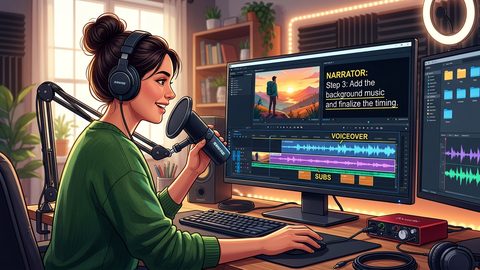
How to Add Voiceover and Accurate Subtitles to Image-to-Video Clips
Create narrated image-to-video product clips with restrained motion, clean voiceover timing, accurate SRT subtitles, and captions that protect the product.